
Smarter Screen Use in Schools
The Problem Isn’t Screens. It’s How We Use Them.
“As a country, we need to wake up to this now, and start rolling back screen use in schools before the damage compounds further.”
From an open letter by clinicians
This week’s news headlines have reignited a familiar debate: should we be getting children off screens in the classroom?
I agree with the direction of travel, especially if “rolling back” means stopping screens from replacing the teacher. But should it mean removing screens altogether?
It’s a fair question. Many of us are concerned about children’s attention spans, eye strain and the growing need for more time spent making, moving and doing. However, I think there’s a risk in the way the conversation is being framed.
The issue isn’t teaching with screens. It’s teaching everything through screens, without stopping to ask whether the learning would be better served another way.
The real challenge for schools isn’t choosing screens or no screens. It’s choosing purposeful screen use while protecting the parts of learning that depend on children being hands-on, face-to-face and actively engaged, rather than passive bystanders.
Why screens still matter (when used well)
Used thoughtfully, screens can offer learning opportunities that paper, whiteboards and even the best classroom displays cannot easily replicate.
- They bring learning to life through AR and interactive visuals. When a concept is abstract or distant, a well-chosen digital experience can make it more concrete and accessible.
- They make the unfamiliar relatable. A short video clip can transport children to a rainforest, inside a volcano or into a historical moment in seconds.
- They widen access. Images, subtitles, audio, translation tools and enlarged text can help remove barriers to learning.
- They help children share and refine ideas. Capturing work in progress, modelling improvements and showcasing examples can enrich discussion and deepen understanding.
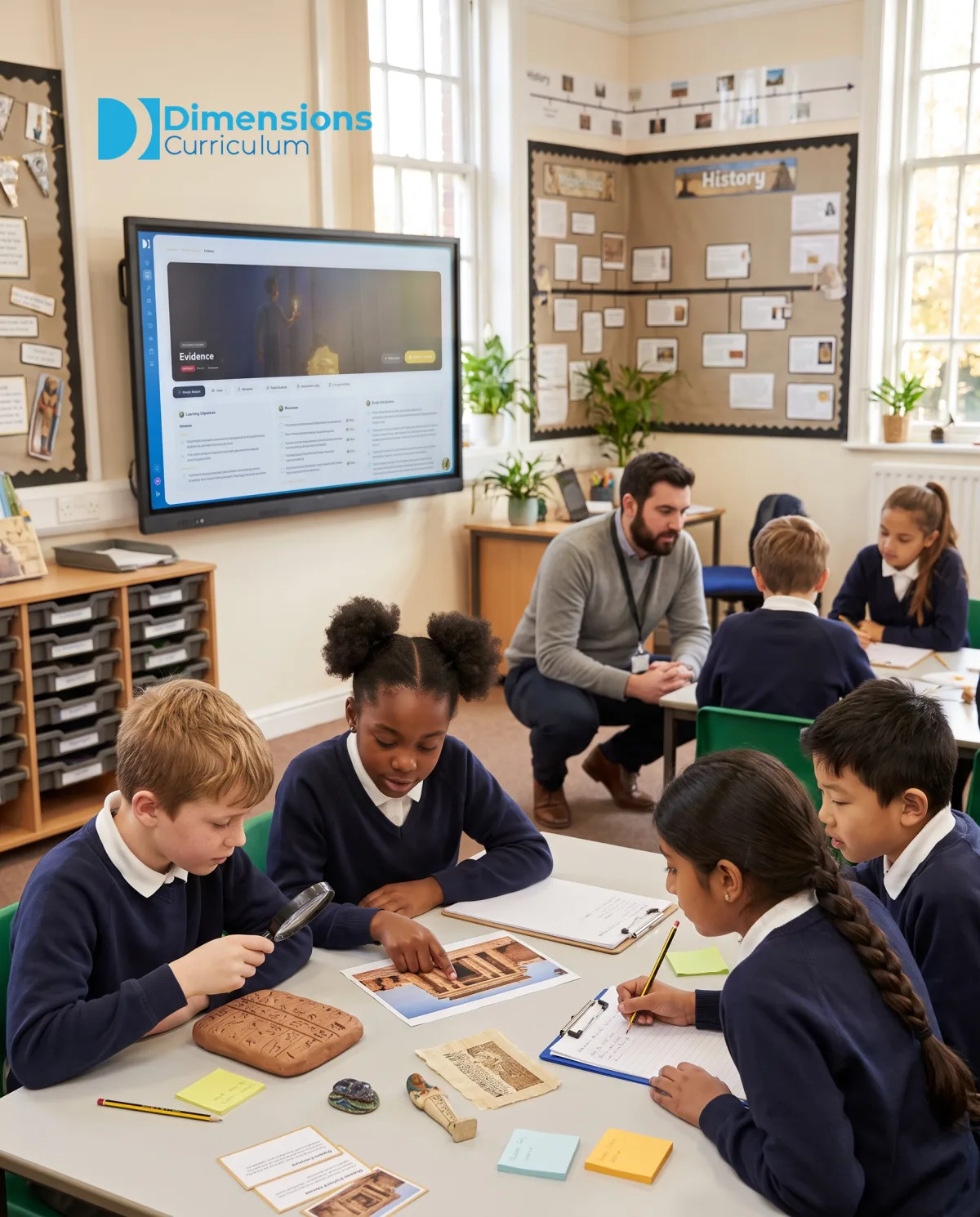
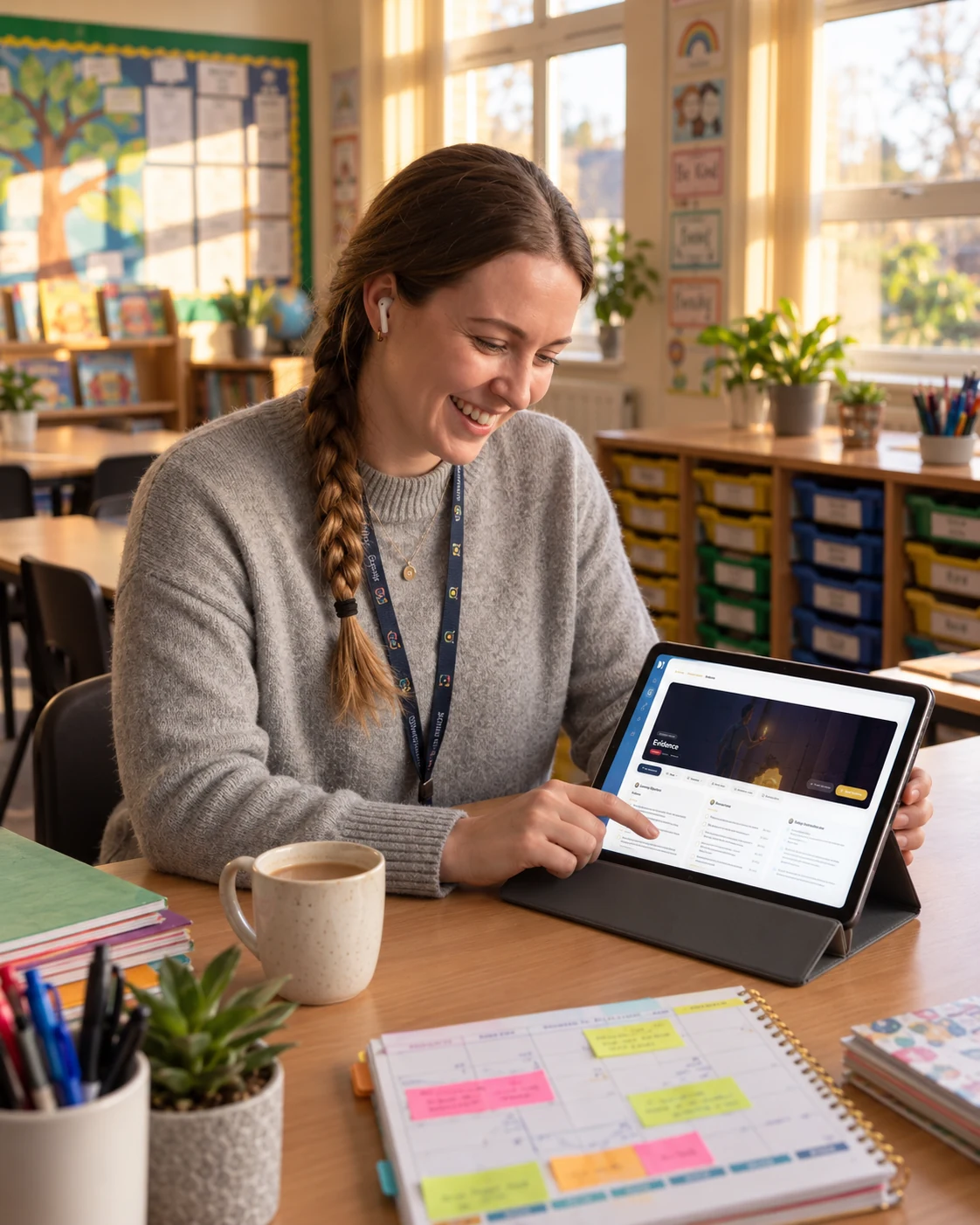
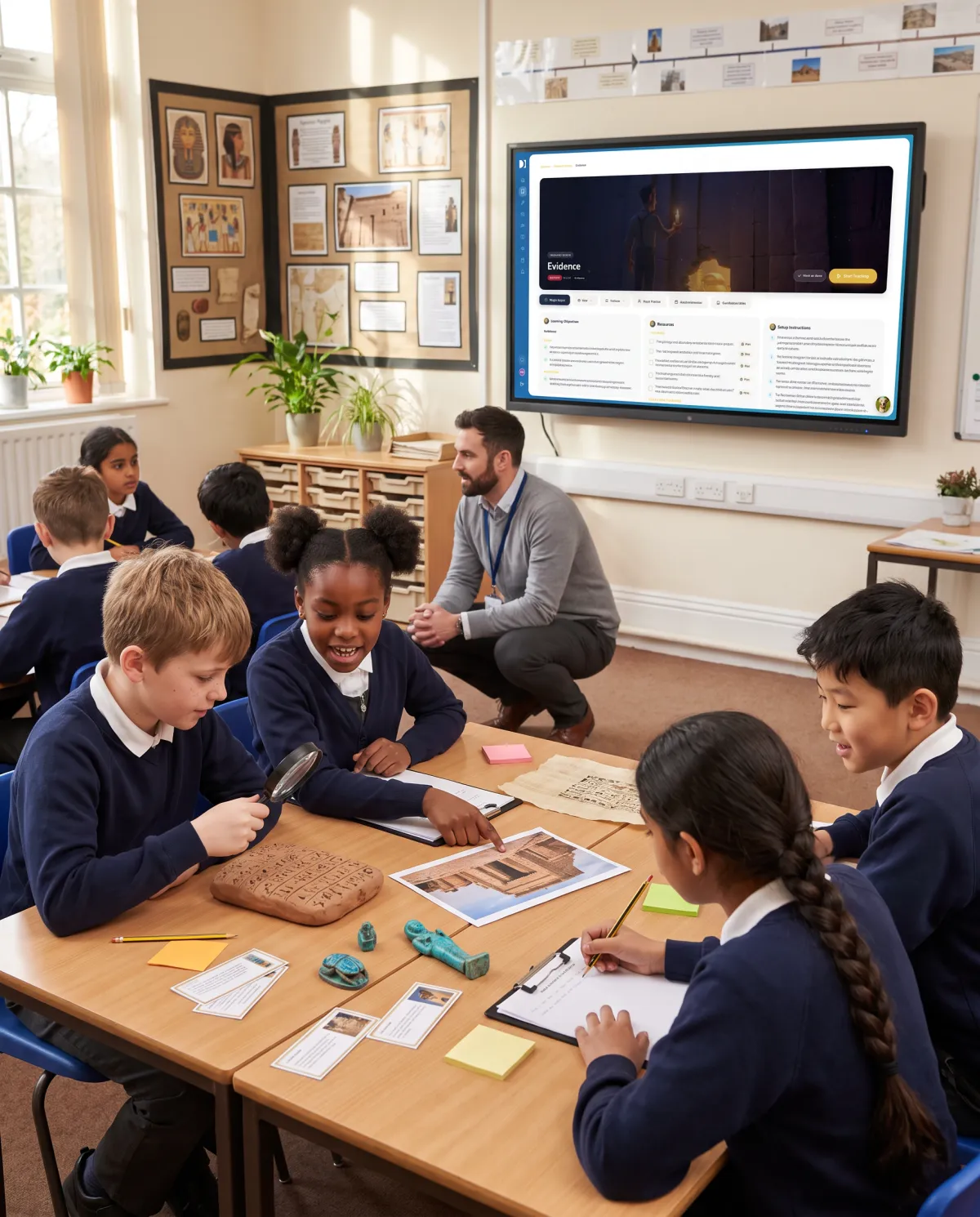
Our new curriculum platform, Connect, puts these opportunities at teachers’ fingertips. Its interactive tools allow ideas to be captured, moved, compared, annotated and improved in real time, creating a shared space for discussion, collaboration and deeper thinking.
It represents a shift from the screen as something children look at to something teachers and children think with, making learning visible, challenging misconceptions and enabling ideas to be explored, questioned and refined together.
In other words, screens can be a window, a mirror and sometimes a bridge.
The problem isn’t the screen
Screen use becomes unhelpful when it replaces learning experiences that would be more effective with practical resources, or when technology takes the place of meaningful talk, collaboration and creativity.
If children are mostly consuming rather than creating, questioning, discussing or applying their learning, we need to reconsider what the screen is actually contributing.
A simple test: “What can’t we do without the screen?”
One of the most useful questions a teacher can ask is:
What is the screen enabling here that we genuinely couldn’t do as well without it?
If the answer is “not much”, that’s a good reason to rethink its use.
If the answer is “it makes the learning more visible, vivid, accessible or shareable”, then the screen has earned its place.
The key is to use it deliberately, for as long as it adds value and no longer.
Keeping the best of screens: Five practical principles
1. Use screens for impact, not duration
Aim for short, high-impact moments rather than long stretches of screen time.
- A 90-second video clip to spark curiosity.
- A single powerful image to prompt inference.
- A quick AR experience to anchor understanding.
Then move into discussion, making, writing, drama or practical investigation.
2. Make screen time teacher-led, not device-led
There’s a big difference between:
- One shared screen used to model, explain, explore or showcase learning.
- Thirty individual screens pulling attention in thirty different directions.
Where appropriate, keep screen use communal, interactive and purposeful, with the teacher firmly in control of the learning.
3. Turn children from consumers into contributors
If you’re going to use a screen, use it to amplify children’s thinking.
- Photograph a group’s model and annotate it together.
- Display two contrasting examples and discuss what makes one more effective.
- Capture children’s explanations and revisit them later to explore how their understanding has developed.
The screen becomes a tool for reflection, discussion and improvement, rather than simply a source of entertainment or information.
4. Protect screen-free parts of the day
Children need regular opportunities to learn without technology. Some experiences are simply better without a screen.
- Story time and reading for pleasure.
- Handwriting and extended writing.
- Face-to-face discussion.
- Outdoor learning and practical exploration.
Protecting these experiences ensures that technology complements, rather than dominates, the school day.
5. Plan for transfer: screen to real world
A screen should often be the starting point, not the entire learning experience.
- Watch a short clip of a habitat, then build one using natural materials.
- Explore a painting on screen, then experiment with the artist’s techniques using real tools.
- Use AR to explore a landmark, then create a persuasive travel leaflet.
The real value comes when children take what they have seen, heard or explored and use it to think, create, investigate or solve problems.
Connect is built around the principle that screens should serve learning, not swallow it.
It helps teachers use a shared screen purposefully, whether introducing a powerful stimulus, modelling a process, exploring an idea or sharing children’s work in progress. Crucially, these moments are designed to support, rather than replace, face-to-face discussion, collaboration, practical activity and independent thinking.
It brings the best of technology into the classroom while protecting the rich, human experiences that make learning meaningful.
What balanced screen use looks like in practice
A balanced classroom doesn’t ban screens. It uses them like seasoning, not the main course.
- Screens as a spark: A carefully chosen stimulus that ignites curiosity and leads into richer learning.
- Screens as a showcase: Making children’s work, thinking and progress visible so that ideas can be celebrated, challenged and improved.
- Screens as a support: Providing accessibility, modelling and scaffolding where they genuinely enhance understanding.
The important thing is that the screen has a clear purpose, and that purpose is rooted in learning rather than convenience.
A final thought
The goal isn’t to prove we’re modern by using screens or traditional by avoiding them.
The goal is something far more important: helping children learn deeply, remember meaningfully and connect what they’re learning to the world around them.
We should be confident enough to embrace technology when it enhances learning and equally confident about switching it off when something else would work better.
Because the best response to concerns about screen use in schools is precision, not prohibition.
Use screens when they genuinely add value. Protect the experiences that require children to talk, move, make, explore and collaborate. And make sure that technology remains a tool in the hands of skilled teachers, rather than something that dictates how lessons are taught.
A window when children need to see beyond their own experience.
A mirror when they need to see and develop their own thinking.
A bridge when they need to connect ideas with the real world.
And when none of those things is needed? Turn the screen off. The learning goes on.
Sources:

 Scoill Phurt Le Moirrey
 Woodford Halse School
 Beeston Primary School
 Warton St. Paul’s CE School
 St Andrew’s School